
Read the small character as part of the word
Before recording, point out where っ occurs and which consonant follows it. Tell Mocchi whether you tend to omit the timing or add an extra sound. A specific description gives the follow-up a useful starting point. Simply asking to improve pronunciation may produce a broader activity than the one feature you want to notice.
Choose a word you understand. If meaning and grammar are both unfamiliar, the sound target can become harder to monitor. A clear short request lets you focus on the contrast while still practicing language with a purpose.
Compare coming with cutting in short requests
来てください asks someone to come, while 切ってください asks someone to cut something in a context where the object is understood. The readings きて and きって illustrate the extra timing in the second form. Listen to a model and keep the intended action clear, so the difference is more than a mark you recognize on the page.
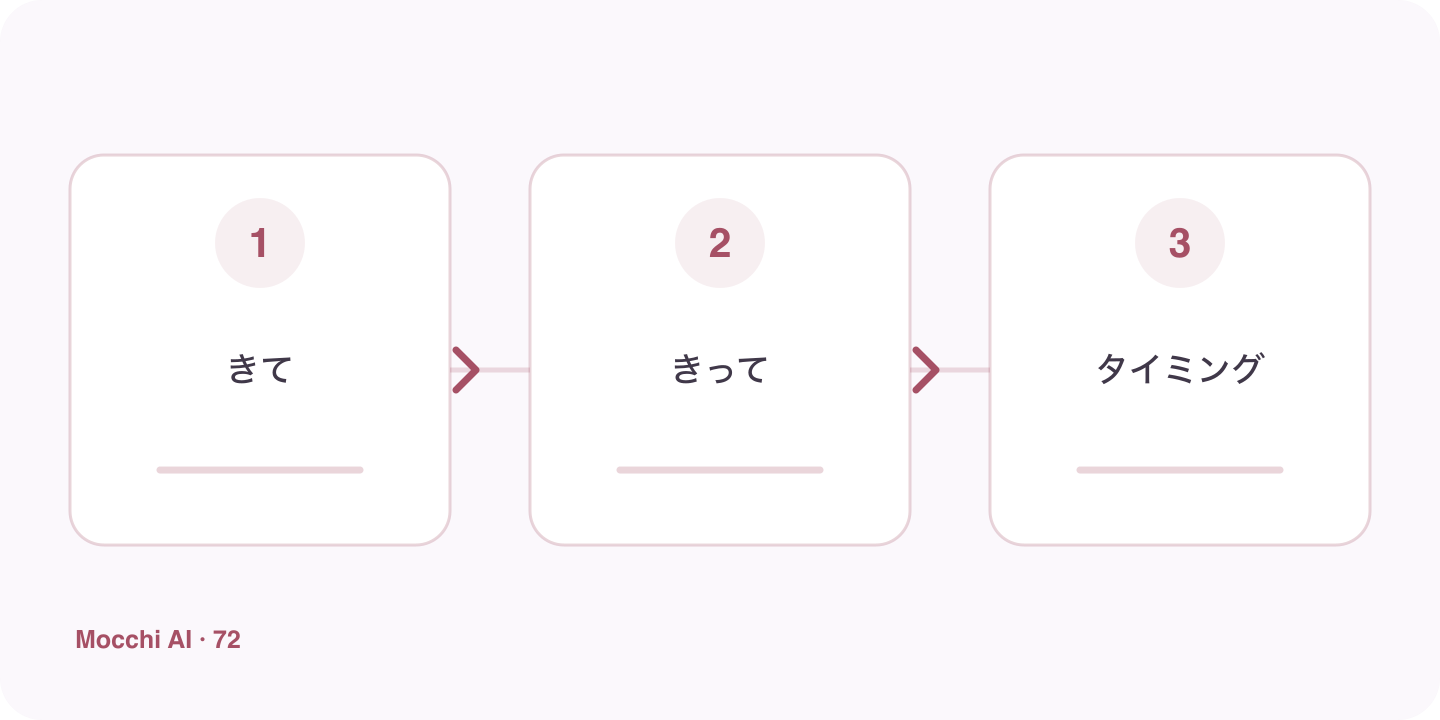
| Japanese | Romaji | Meaning |
|---|---|---|
| 来てください。 | Kite kudasai. | Please come. |
| 切ってください。 | Kitte kudasai. | Please cut it. |
Make one adjustment per attempt
Try the supplied pronunciation line before changing several things at once. On the next attempt, focus on the timing immediately before the target consonant. Keep volume and pace comfortable so you can compare the effect. If the activity reports feedback, use it alongside listening rather than treating the number alone as an explanation of what changed.
Keep the contrast when the phrase becomes natural
After a slow controlled attempt, return to a short phrase at a comfortable speaking pace. Do not force a metronome-like delivery of every sound. The objective is a recognizable timing distinction in speech, not an exaggerated performance that you cannot carry into ordinary language. If necessary, shorten the phrase and practice the target again.
Use a fresh word or phrase during later review
Ask Mocchi for another small-っ activity or a suitable next focus after the session. Compare the new attempt under similar recording conditions and note the help needed. Device support and account limits can affect the available feedback, so read what the interface actually reports. A useful review checks the same timing feature beyond one memorized line and keeps the next adjustment concrete.