

What the multicopy machine can do
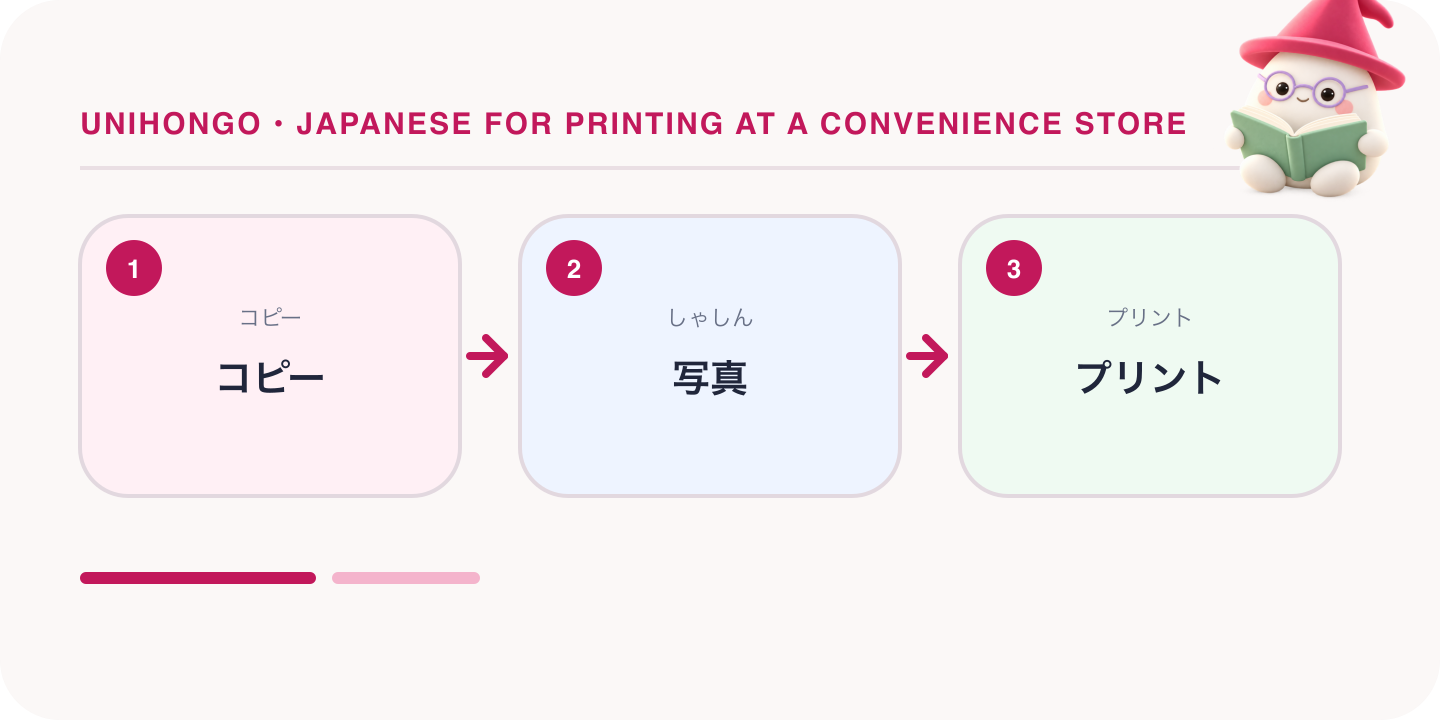
The machine looks like an office photocopier with a large touch screen and a bank of slots for cards and USB sticks. The home screen lists the services as big buttons: kopī, copy; purinto or purinto sābisu, print; sukyan, scan; fakkusu, fax; and, at chains that offer it, gyōsei sābisu, government services, for certificates. Some machines also sell event tickets and print photos from a memory card, but the core four are the same everywhere.
Each big chain uses a different maker's machine, so the layout, the app and the network print service differ, but the vocabulary is shared. If a screen offers a language button, use it on the first visit, then learn the Japanese labels, because error messages and receipts stay in Japanese either way.
| Japanese | Romaji | Meaning |
|---|---|---|
| コピー機はどこですか。 | Kopīki wa doko desu ka. | Where is the copy machine? |
| このコピー機で写真もプリントできますか。 | Kono kopīki de shashin mo purinto dekimasu ka. | Can this machine print photos too? |
| 英語の表示に変えられますか。 | Eigo no hyōji ni kaeraremasu ka. | Can I change the display to English? |
| スキャンもできますか。 | Sukyan mo dekimasu ka. | Can it scan as well? |
| 料金はいくらですか。 | Ryōkin wa ikura desu ka. | How much does it cost? |
Printing a PDF or photo from a phone or USB
There are three ways to get a file into the machine. The first is a USB stick or memory card: choose purinto, then media print, insert the stick in the slot that lights up, and the machine lists the files it can read, normally PDF, JPEG and PNG, and sometimes Office files. Choose the file, the paper size, colour or black and white, and the number of copies, and confirm.
The second is direct from a phone at the store. The machine shows a wireless connection option, and you connect through the chain's app and send the file. The third, and the most reliable, is network print, described in the next section. Photos, shashin, are printed on photo paper in standard sizes such as L-ban and 2L, priced separately from document paper; choose shashin purinto rather than bunsho purinto for these.
Whatever the route, the machine asks the same questions in the same order: which file, which paper, colour or not, how many, then a preview and a confirm button. If the preview looks cropped, go back and look for yōshi ni awaseru, fit to paper.
| Japanese | Romaji | Meaning |
|---|---|---|
| USBからPDFをプリントしたいんですが。 | Yū-esu-bī kara pī-dī-efu o purinto shitai n desu ga. | I'd like to print a PDF from a USB stick. |
| スマホから直接プリントできますか。 | Sumaho kara chokusetsu purinto dekimasu ka. | Can I print directly from my phone? |
| A4で白黒でお願いします。 | Ē-yon de shirokuro de onegai shimasu. | A4 in black and white, please. |
| 写真はL判で二枚ください。 | Shashin wa eru-ban de ni-mai kudasai. | Two photos in L size, please. |
| ファイルが表示されません。 | Fairu ga hyōji saremasen. | The file doesn't appear. |
| 両面にできますか。 | Ryōmen ni dekimasu ka. | Can it print double-sided? |
Network print and reservation numbers
Network print, nettowāku purinto, is the route regulars use. At home, upload the file on the chain's website or app. When the upload finishes, you receive a reservation number, yoyaku bangō, of eight to ten letters and digits, plus an expiry date. At the store, choose network print on the home screen, type the number, and your file appears.
Because the services are run separately by each chain, a number issued for one chain's machines will not work at another. Files are deleted after the expiry, and the number of days varies by service. If you set a PIN, anshō bangō, when uploading, the machine asks for it before printing, which is worth doing for anything personal.
| Japanese | Romaji | Meaning |
|---|---|---|
| ネットプリントの予約番号があります。 | Netto purinto no yoyaku bangō ga arimasu. | I have a network print reservation number. |
| 予約番号を入力してください。 | Yoyaku bangō o nyūryoku shite kudasai. | Please enter the reservation number. |
| 番号を入れても出てきません。 | Bangō o irete mo dete kimasen. | I entered the number but nothing appears. |
| 有効期限が切れているみたいです。 | Yūkō kigen ga kirete iru mitai desu. | It seems the file has expired. |
| 暗証番号を忘れました。 | Anshō bangō o wasuremashita. | I forgot the PIN. |
Copying: colour, size and both sides
For copying, lift the lid, lay the original face down on the glass, aligned to the corner marked with an arrow, and choose kopī on the screen. The settings that matter are colour, karā, or black and white, shirokuro; the paper size, from B5 through A4 and B4 up to A3; the enlargement or reduction, kakudai and shukushō, given as a percentage or as a preset such as A4 to A3; double-sided, ryōmen; and the number of copies, maisū. A licence can be copied both sides onto one sheet with the ID card copy setting.
Many machines charge at the moment each sheet prints, so put in more coins than you need and take the change at the end. Copying money, official stamps and whole books is restricted, and the machine says so.
| Japanese | Romaji | Meaning |
|---|---|---|
| カラーコピーを一枚お願いします。 | Karā kopī o ichi-mai onegai shimasu. | One colour copy, please. |
| A4からA3に拡大したいです。 | Ē-yon kara ē-san ni kakudai shitai desu. | I'd like to enlarge from A4 to A3. |
| 両面コピーはどうやりますか。 | Ryōmen kopī wa dō yarimasu ka. | How do I make a double-sided copy? |
| 免許証の両面を一枚にコピーしたいです。 | Menkyoshō no ryōmen o ichi-mai ni kopī shitai desu. | I want to copy both sides of my licence onto one sheet. |
| 原稿を置き忘れました。 | Genkō o okiwasuremashita. | I left my original on the machine. |
Words on the screen
These are the labels that appear on the multicopy screen and its receipts across the three main chains. Once you know them the English mode is not needed.
| Word | Reading | Meaning |
|---|---|---|
| コピー | kopī | Copy |
| プリント | purinto | |
| スキャン | sukyan | Scan |
| ネットワークプリント | nettowāku purinto | Network print, files uploaded in advance |
| 予約番号 | yoyaku bangō | Reservation number for a file |
| 白黒 | shirokuro | Black and white |
| カラー | karā | Colour |
| 用紙サイズ | yōshi saizu | Paper size |
| 両面 | ryōmen | Double-sided |
| 拡大・縮小 | kakudai, shukushō | Enlarge, reduce |
| 枚数 | maisū | Number of sheets |
| スタート | sutāto | Start |
| 取消 | torikeshi | Cancel |
| 領収書 | ryōshūsho | Receipt |
Sheets are counted with mai: ichi-mai, ni-mai, san-mai, and staff will use the same counter when they ask how many you printed. A message ending in shite kudasai is an instruction, such as yōshi o setto shite kudasai, please load paper; a message with dekimasen means the machine cannot do that.
Scanning, paying and asking staff for help
To scan, choose sukyan, insert a USB stick when the screen asks, and lay each page on the glass. Choose PDF or JPEG, colour or black and white, and the resolution, then scan page by page and press finish, kanryō, to save. Some machines can also scan to a smartphone or a cloud service, but a USB stick is the safe assumption.
Payment is on the machine itself, not at the register. There is a coin slot and a note slot, and most machines take a transport IC card; other cashless options vary by model, so bring coins. Change comes out at the end when you press the finish button. A receipt, ryōshūsho, is printed on request from a button on the last screen.
Staff are used to helping with the machine, though at night a single clerk may ask you to wait. Describe the job in one sentence and the problem in another.
| Japanese | Romaji | Meaning |
|---|---|---|
| すみません、コピー機の使い方を教えてもらえますか。 | Sumimasen, kopīki no tsukaikata o oshiete moraemasu ka. | Excuse me, could you show me how to use the copy machine? |
| ICカードで払えますか。 | Ai-shī kādo de haraemasu ka. | Can I pay with an IC card? |
| 両替はできますか。 | Ryōgae wa dekimasu ka. | Can you give me change? |
| USBメモリにスキャンして保存したいです。 | Yū-esu-bī memori ni sukyan shite hozon shitai desu. | I want to scan and save to a USB stick. |
| お釣りが出てきません。 | O-tsuri ga dete kimasen. | The change hasn't come out. |
| 領収書は出せますか。 | Ryōshūsho wa dasemasu ka. | Can it print a receipt? |
Certificates with a My Number card
At chains that offer gyōsei sābisu, government services, residents of participating municipalities can print certain certificates at the machine instead of visiting the city office. The service is called konbini kōfu, and the usual certificates are the jūminhyō, residence certificate; the inkan tōroku shōmeisho, seal registration certificate; and tax certificates. Availability depends on your municipality, so check its website first.
The routine on the machine is the same everywhere: choose government services, place the My Number card on the reader, enter the four-digit PIN set when the card was issued, choose the certificate and the number of copies, insert the fee, and wait. The fee varies by city, the hours are limited, and the service pauses on some holidays and during maintenance.
- Check your municipality's website for which certificates it offers and the service hours
- Bring the My Number card and remember the four-digit PIN; three wrong entries lock it
- Put the card on the reader and leave it there until the screen says to remove it
- Take the certificate, the card and the receipt; the certificate has no envelope
Store staff cannot see your data, cannot reset a PIN and cannot issue a certificate for you. If the PIN is locked or the card is not recognised, the only route is your city office.
When the machine goes wrong
The common failures are a paper jam, kami zumari; empty paper, yōshi ga arimasen; a file the machine cannot read; and money swallowed without a print. For a jam or empty paper, do not open the machine yourself; tell staff, who will clear it. For a bad print, ask about a refund before you leave; policies differ by store, and some refund only when the machine was at fault.
If your file will not open, it is usually an unsupported format or a password-protected file; converting to PDF on the phone first solves most of it.
| Japanese | Romaji | Meaning |
|---|---|---|
| 紙が詰まったみたいです。 | Kami ga tsumatta mitai desu. | It seems the paper is jammed. |
| 用紙がなくなっています。 | Yōshi ga nakunatte imasu. | The paper has run out. |
| お金を入れたのに出てきませんでした。 | O-kane o ireta noni dete kimasen deshita. | I put money in but nothing came out. |
| 間違えてカラーで印刷してしまいました。 | Machigaete karā de insatsu shite shimaimashita. | I printed in colour by mistake. |
| 返金はできますか。 | Henkin wa dekimasu ka. | Is a refund possible? |
| 途中でキャンセルしたいです。 | Tochū de kyanseru shitai desu. | I want to cancel partway through. |