
Use Installed Unihongo in Your Preferred Learning Language

Choose a comfortable Unihongo language and tell Mocchi how you want Japanese explained. Keep that preference separate from your Japanese level and from the browser or device language used in installation menus. Adding a Home Screen entry does not require you to study through English.

Mocchi connects a preferred explanation language with a separate Japanese practice level and an installed app entry
What you need to know

Use Installed Unihongo in Your Preferred Learning Language

A learner may want Vietnamese explanations with N3 reading practice, Spanish guidance for beginner particles, or English support while preparing a Japanese business message. These are combinations of needs, not contradictions. Unihongo supports 32 interface languages, including localized installation guidance, while the browser supplies its own system dialogs. Check the learning language and task after launching the installed entry, then adjust Mocchi’s explanations when they are too dense or use an uncomfortable language.

Choose the site language you are comfortable reading.

State your preferred explanation language when useful.

Set Japanese difficulty according to your actual ability.

Expect browser installation menus to follow browser or device settings.

Separate the three language decisions

The website interface helps you navigate, an explanation language helps you understand feedback, and Japanese is the language you are practicing. These roles can overlap, but they do not have to be identical. A learner can read advanced Japanese while still preferring a familiar language for a subtle grammar explanation.

The browser’s installation dialog adds another layer: its words come from the browser or device, not solely from the site. If a guide says Add to Home Screen and the menu uses a local equivalent, compare the function rather than expecting every screen to use the same literal phrase.

Describe the explanation you need

Instead of requesting only “make it easier,” say whether you want simpler terminology, a translation into your preferred language, or an easier Japanese example. These adjustments solve different problems. A precise request helps Mocchi preserve a useful challenge while removing an unnecessary barrier to understanding.
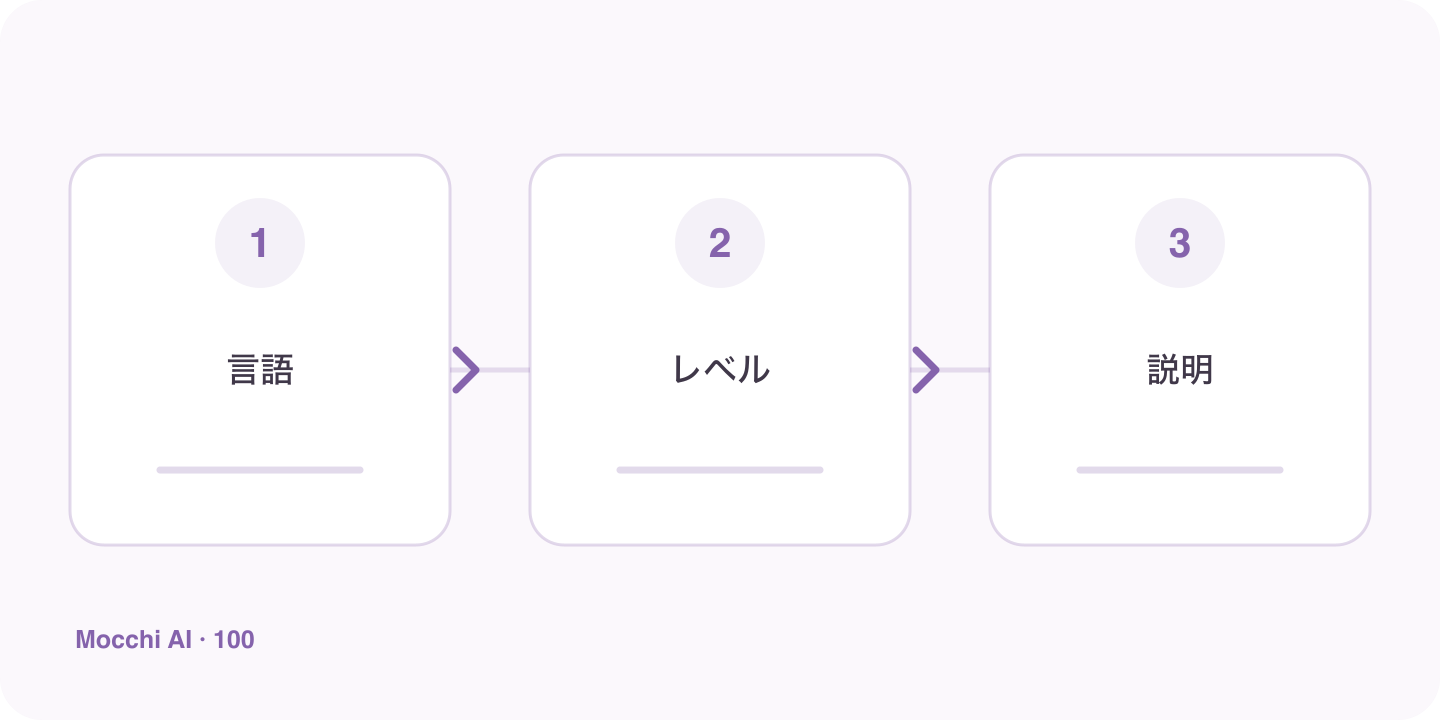
Interface language, Japanese learning level, and browser installation wording are shown as three separate choices
The language used to explain a lesson does not determine the Japanese level you should practice.
DifficultyUseful request
Unfamiliar explanation languageExplain this point in my preferred language.
Dense grammar terminologyUse everyday wording and one short comparison.
Japanese example too advancedKeep the same point but use simpler vocabulary.

Check the installed entry with a real learning task

After installation, launch the entry and inspect the account and language. Then ask for a small explanation and respond to its question. This verifies more than an icon label. If a route opens in an unexpected language, choose the preferred site language and check the destination again before assuming the installation created a different learning profile.

Keep Japanese level grounded in performance

Choose difficulty based on what you can read, understand, or produce, rather than which language appears in the menus. Tell Mocchi when a sentence is easy to recognize but difficult to say, or when you understand the vocabulary but miss the grammar relationship. Those details support a more useful next task than a broad label alone.

Use feedback to refine the language balance

As your Japanese develops, you may want more Japanese examples, shorter translations, or occasional explanations entirely in Japanese. You can request that gradually. There is no need to abandon a helpful explanation language to prove progress. The practical goal is understanding the point well enough to use it in a new sentence, with the interface and installed entry making that practice easy to reach.

Key points

A practical way to improve

Open Unihongo in your preferred supported language and check a learning page before installing. Follow the browser’s available installation route, then launch the new entry and verify the language and account. Ask Mocchi for one short explanation in your preferred language with a Japanese example at your current level. If the explanation is too difficult, identify whether the problem is the explanation language, terminology, or Japanese example.

  1. 1

    Choose one clear goal

    Focus each session on a situation or skill you can actually use.

  2. 2

    Practice actively

    Say complete answers aloud instead of only reading or recognizing Japanese.

  3. 3

    Review and repeat

    Keep useful corrections and revisit the same skill until it feels natural.

FAQ

Frequently asked questions

Must I use English to install or study with Unihongo?

No. Unihongo has 32 supported interface languages and localized installation guidance. Browser and device dialogs may use their own configured language, so their wording can differ from the website.

Does choosing my native language make the Japanese course beginner level?

No. Interface and explanation preferences are separate from Japanese ability. Tell Mocchi which tasks you can handle and which point you want to improve rather than inferring level from your language choice.

What if an explanation arrives in a language I do not prefer?

State the preferred language clearly and ask for the relevant point to be explained again. Also check the site language and account context; you can correct a preference without restarting your whole study plan.

Make explanations comfortable and practice appropriately challenging

Tell Mocchi which language helps you understand and which Japanese task you want to become able to do.