
Turn Your First Mocchi Setup Into a Repeatable Study Visit

After first-time Mocchi setup, begin one short task that fits your goal and leave a specific next step before you stop. Adding Unihongo to your Home Screen can make that next visit easier, but the learning routine comes from knowing what to do when you open it.

Mocchi connects a learner goal, one completed Japanese task, and a clear return through the Home Screen
What you need to know

Turn Your First Mocchi Setup Into a Repeatable Study Visit

A new learning tool can invite more configuration than practice. You may choose a level, explain your interests, browse activities, and still finish without producing a Japanese sentence. Treat setup as a starting point. Give Mocchi enough context to suggest a manageable action, complete that action, and check what you learned. Then choose a convenient return route. The result is a small loop you can repeat and adjust, rather than a demanding schedule that depends on a perfect first day.

Connect your current goal to one achievable activity.

Complete a small task before exploring every feature.

Leave a specific next action at the end of the visit.

Use the available installation route as a convenient return point.

Translate a broad goal into an observable action

“Improve my Japanese” gives direction but does not tell you how to begin a ten-minute visit. A smaller action might be answering one question about a notice, writing three connected sentences, or distinguishing two words you confuse. Tell Mocchi what you want to use Japanese for and what you can realistically attempt today.

The useful measure is whether you can see an attempt and its feedback. A short answer gives you something to inspect. Browsing another menu may be enjoyable, but it does not replace that evidence. Keep the first task narrow enough that you can finish it before deciding what else to explore.

Use a simple three-part visit

Try an opening action, a correction, and a closing note. The opening gives you a clear start; the correction keeps the activity educational; the closing note makes tomorrow easier. The content can change with your goal while this structure stays simple.
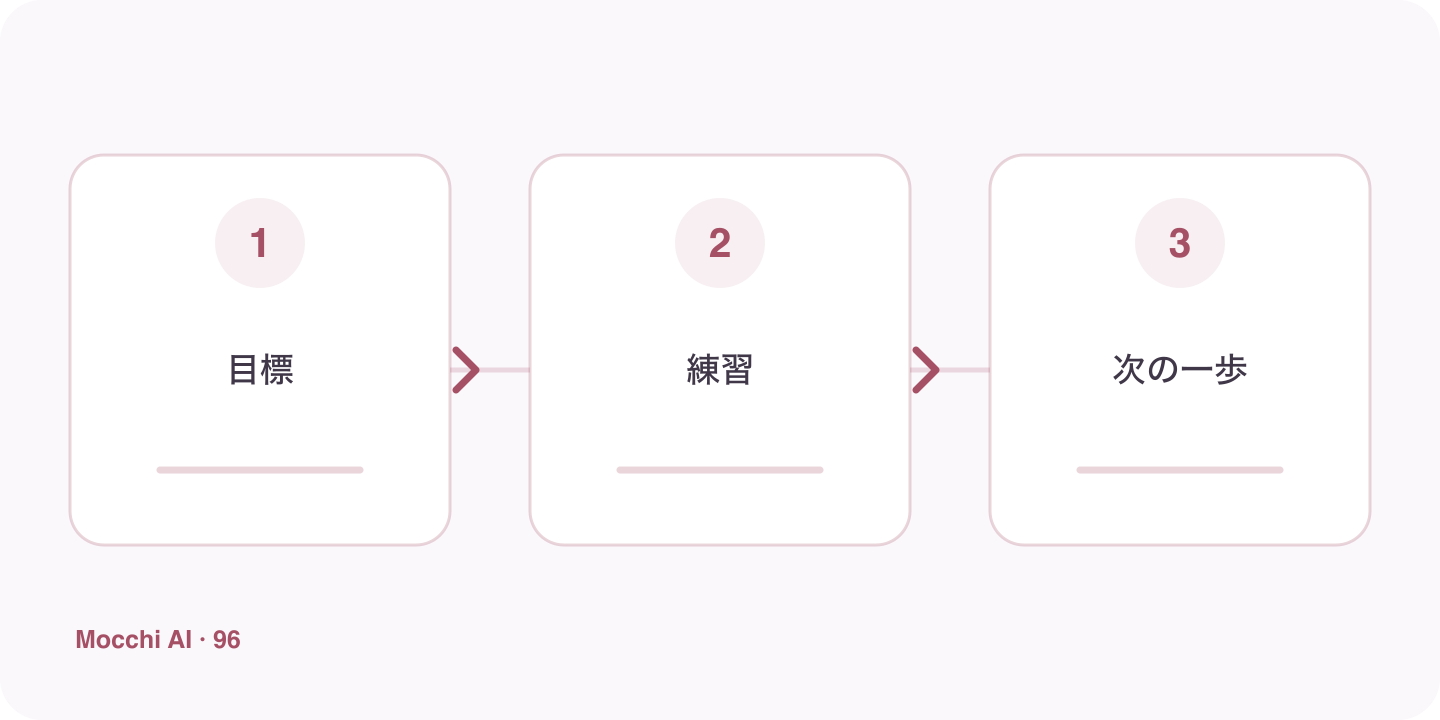
A small goal leads to one practice task and a written next step for the following visit
A useful return routine connects access convenience to a concrete learning action, rather than more setup.
MomentConcrete action
StartAnswer one question about a short Japanese message.
CheckExplain the clue you missed and try again.
CloseWrite which clue you want to review next time.

Treat personalization as a conversation

If the first task misses your needs, say so specifically. Perhaps the vocabulary is familiar but reading speed is slow, or the explanation language is uncomfortable. Mocchi can use learner context and feedback, but that does not mean every initial assumption is correct. A useful adjustment names the obstacle rather than only saying that the whole lesson was bad.

Connect the install suggestion to the next visit

Eligible users may see an install suggestion after first-time chat setup. You can follow it when convenient or use your platform’s manual route. After adding the entry, launch it and check the intended account. The practical benefit is removing a search for the right tab when you already know the next task you want to attempt.

Make returning easier than restarting the plan

End with a note such as “Review the time expression I misunderstood, then answer one new notice question.” This is more actionable than telling yourself to work harder. If tomorrow is busy, reduce the task rather than rebuilding the entire plan. A modest return that checks one learning point is enough to preserve a useful connection between sessions.

Key points

A practical way to improve

Tell Mocchi your current Japanese goal and how much time you have today. Ask for one task, such as answering a short reading question or correcting a three-sentence diary. Complete it and identify one useful correction. Before closing, write the next action in plain language. If you want a Home Screen entry, follow the install offer or your browser’s manual route, then launch it once to check the account and destination.

  1. 1

    Choose one clear goal

    Focus each session on a situation or skill you can actually use.

  2. 2

    Practice actively

    Say complete answers aloud instead of only reading or recognizing Japanese.

  3. 3

    Review and repeat

    Keep useful corrections and revisit the same skill until it feels natural.

FAQ

Frequently asked questions

Do I need to install Unihongo before starting?

No. You can begin on the website. An installed entry is an access convenience, so choose it when useful without making installation a requirement for your first learning task.

Will the installation automatically remind me to study?

A Home Screen icon is a return point, not a promise of automatic reminders or notifications. Use a reminder method you already trust if you want a scheduled cue.

What if Mocchi suggests something too difficult after setup?

Explain which part was difficult and ask for a smaller version or a simpler example. Your initial context helps personalization, but it is reasonable to correct it as your actual performance becomes clearer.

Start a routine with one finished task

Let Mocchi help you turn your learner context into an action you can begin now and return to later.