

Understand what each access route is for
A bookmark helps you find the website again inside a browser. A supported installation can provide an app-style starting point and window. These differences may matter if you lose the right tab or prefer a distinct study entry. They do not change the basic need to identify the learner account and choose a task.
Avoid turning the choice into a requirement to use the product in one supposedly perfect way. The best route is the one available on your device that makes returning easier. A reliable bookmark can be more useful than an installation you never open.
Check what the browser actually created
Follow the available browser flow and then launch the resulting entry. Does it open a separate app-style window or return to the browser? Does it reach the correct site? Interface wording and behavior vary, so inspect the result instead of relying only on a label such as Add to Home Screen.
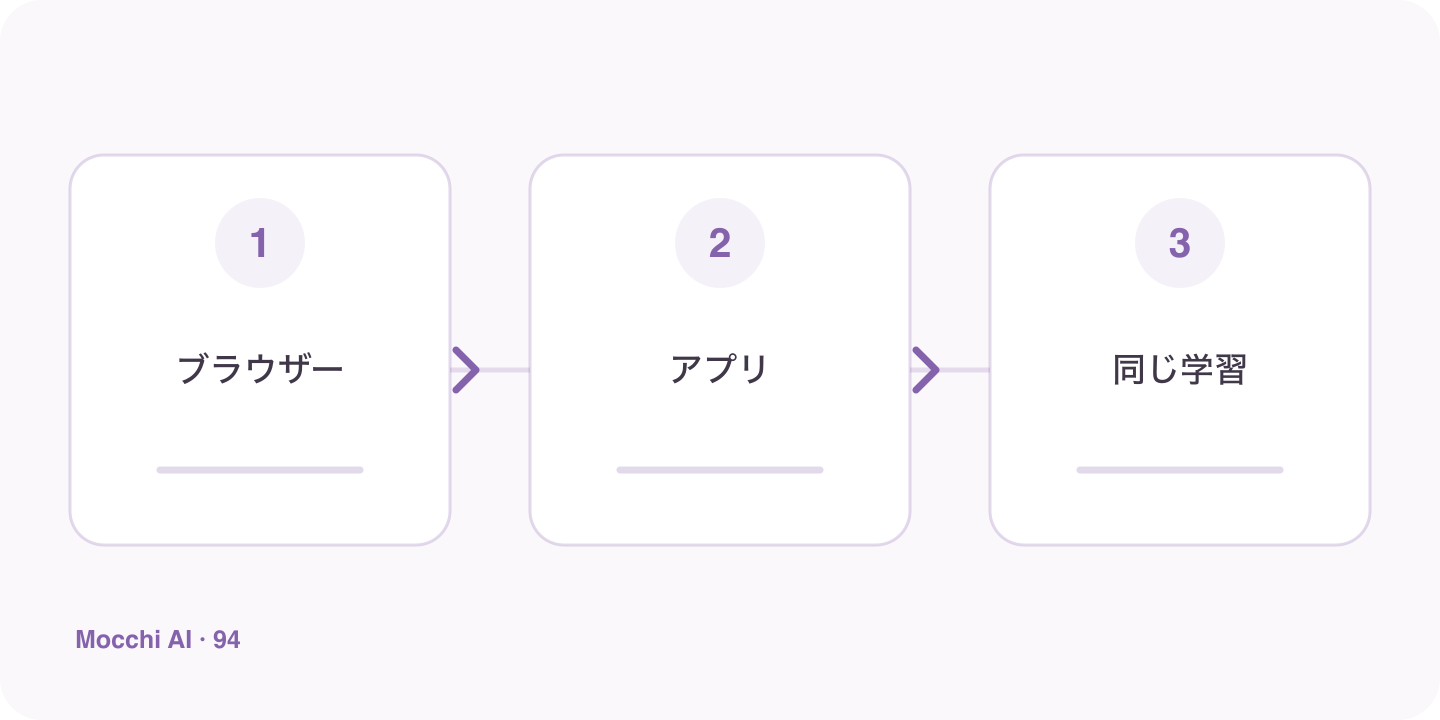
| Route | Useful check |
|---|---|
| Bookmark | Can you quickly reach the intended page? |
| Installed entry | What window and site does it open? |
| Either route | Are the account and next task correct? |
Keep account identity separate from the shortcut
An icon does not mean that a new learner profile has been created, and a browser tab does not mean you are using a different plan. Check the signed-in account before interpreting an unfamiliar goal or missing task. On a shared device, this matters more than whether the site opens through a bookmark or app-style entry.
Give the return point a concrete action
Ask Mocchi for today's relevant task or leave a short note before the previous session ends. A clear instruction such as reviewing one word pair is easier to begin than a broad intention to study Japanese. Convenience is valuable when it connects to that action rather than becoming another setup choice you revisit every day.
Avoid assuming installation adds unrelated capabilities
An installed entry does not automatically unlock paid features, create offline AI, or enable every native-app function. Use the options the service and browser actually show. You can enjoy faster access without making broader claims. The goal is a repeatable route into a useful lesson, with Mocchi's context and your own next action making the return worthwhile.