

Identify the platform before following instructions
Chrome on desktop, Chrome on Android, and Safari on iPhone use different flows. Tell the difference before searching for a particular label. A guide written for another platform can be accurate and still fail to describe the controls on your screen. Use the full browser and confirm the real Unihongo address.
An embedded view inside a social or messaging app may not expose the same installation options. Open the page in the appropriate browser when you want to use its own menu. This is a simpler first check than assuming that the learning account or site content is broken.
Check whether the useful entry already exists
Look for an installed Unihongo entry and open it. If it reaches the correct service, you may already have the access route you wanted. Check the account and next task before continuing. An absent repeat promotion can be normal when the browser already recognizes an installation or when you are opening the installed experience.
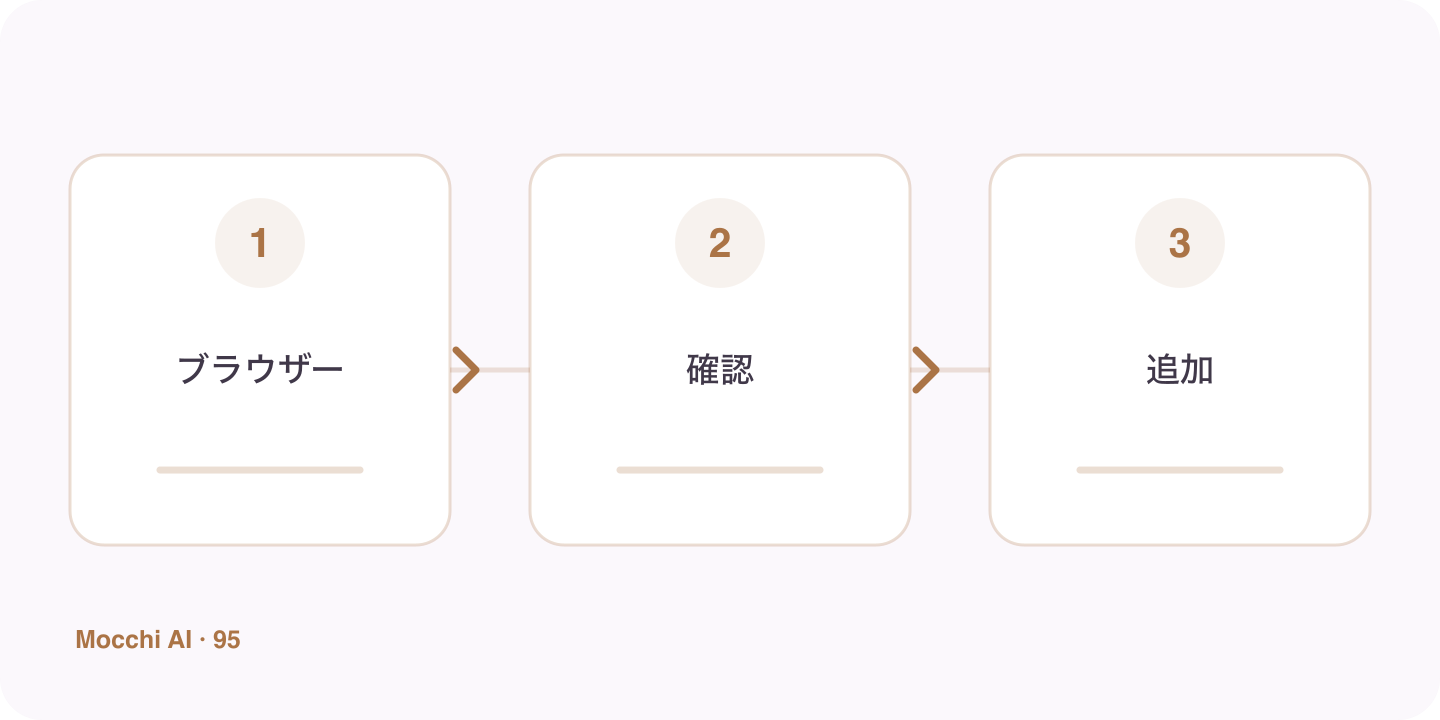
- Check the Home Screen or app entry list.
- Open an existing Unihongo entry if present.
- Confirm the site, account, and current task.
Use the browser's current manual route
In Chrome, inspect the available install controls or menu. In Safari on iPhone, use Share and Add to Home Screen, with the app option where shown. The exact wording can vary. Unihongo's eligible learner shortcut may also provide a manual guide rather than a native dialog when the browser offer is not available.
Avoid turning setup into a study blocker
If the website works and you have a clear task, you can continue learning there and return to installation later. Ask Mocchi for a short review or another suitable activity. The app-style entry is meant to reduce friction, not create a new requirement that prevents you from practicing until every setup detail is perfect.
Use official help for a genuinely different interface
Consult the browser's current guidance when the controls do not match an older screenshot. Keep account sign-in and important unfinished text in mind before making broader changes. Installation does not alter plan access or guarantee offline AI, so evaluate the shortcut for its actual benefit: an easier way to return to the same learning service.