

Use Safari's own controls
Open Unihongo in Safari and confirm the address before signing in. Links opened inside another app may show a limited browser view with different controls. Moving to the full Safari browser makes its Home Screen actions available in the expected place for your version.
Finish important unfinished text before changing windows. The installation step is easier to verify when you know which account and task you intend to return to. You can then check the new entry without confusing a change of window with a change of learner profile.
Find Add to Home Screen in the Share flow
Open Safari's Share menu; its position can vary with the browser interface. Choose Add to Home Screen and review the name. In versions that show Open as Web App, leave that choice enabled if you want the app-style experience. Then confirm the addition. Use Apple's current instructions when the menu differs from a screenshot or guide you saw earlier.
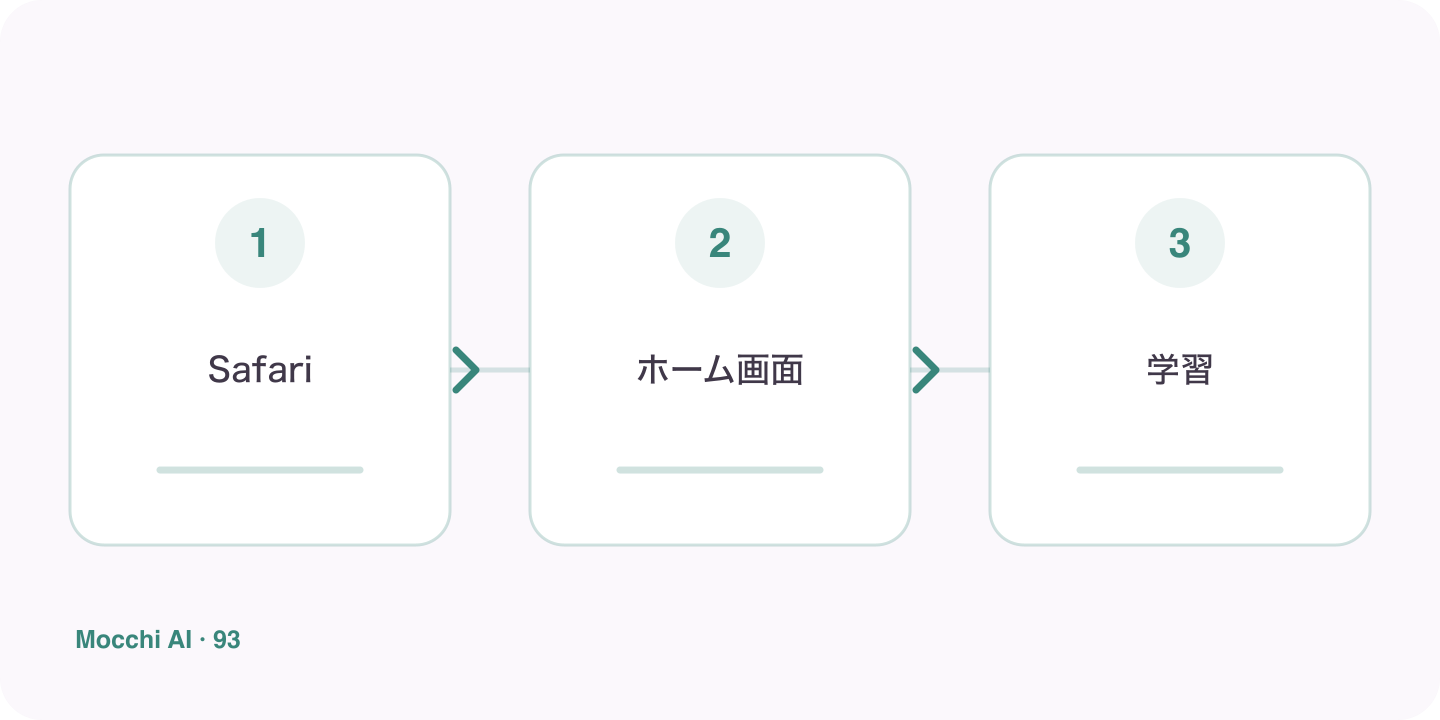
- Open the real site in Safari.
- Choose Share, then Add to Home Screen.
- Review the available app option and add the entry.
Launch the icon instead of assuming the addition worked
Return to the Home Screen and open Unihongo. Check which window appears and whether it reaches the correct service. If a bookmark-style result opens differently than expected, inspect the options your Safari version offered rather than treating every icon as identical. The practical test is what the entry actually opens on your device.
Check the learner account before continuing
The installed entry is an access point, not a separate guarantee of sign-in or account identity. Confirm the intended account and review whether Mocchi's goal and next task match your learning context. If something is unfamiliar, resolve that first rather than completing practice in another person's profile or creating an unnecessary duplicate account.
Keep a short connected learning routine
Ask Mocchi for a small review, reading, or writing task and begin with a clear attempt. The Home Screen makes returning convenient, while the useful study result comes from what you do after opening it. Internet, device permissions for relevant activities, and plan limits still apply. Browser installation is helpful without claiming that it reproduces every native-app capability or removes the service's connected requirements.