

The short answer: choose by goal
People search for a Duolingo alternative for two reasons. Some want a different kind of course. Others are happy with their daily lesson but notice that they can complete exercises and still not hold a conversation. For the second group the answer is an addition, not a replacement.
The table below matches each goal to tools designed for it, and the rest of this guide describes each tool from what its own site states. This article is published by Unihongo, so read the Unihongo description as the company's own and compare it yourself.
| Your goal | Tools to consider | Type of tool |
|---|---|---|
| Daily habit, kana, early vocabulary and patterns | Duolingo | Course app with lessons and script practice |
| Spoken conversation and roleplay | Unihongo, Nora, Pingo AI | AI speaking tutors |
| Pronunciation feedback | Unihongo, Nora | AI speaking tutors with pronunciation feedback |
| Kanji and reading vocabulary | Kanshudo, WaniKani | Kanji study systems with spaced repetition |
| Cultural judgement and personal guidance | italki | Marketplace for lessons with human teachers |
What Duolingo's Japanese course provides
Duolingo is a course app, and its blog states that its courses are free for all learners, with subscriptions that add extra features. For Japanese, the blog describes exercises for tracing, spelling and reading hiragana, katakana and kanji, which help a beginner connect each character to its sound, and states that the course introduces hiragana first.
Duolingo includes speaking. According to its blog, lessons contain speaking exercises from the first lesson: you repeat words, translate sentences aloud, or take part in short dialogues. The Practice tab holds lessons made entirely of speaking exercises, and the blog states that this tab is now free for all learners. For Duolingo Max subscribers, the blog describes Video Call, a spoken call with a character such as Lily or Falstaff, and Roleplay, a chat with characters in scenarios where you can speak your answers aloud. Which courses and devices have each feature changes, so check Duolingo's site for the Japanese course.
Many learners use Duolingo at the start, when the hard part is continuing every day. Learners who want longer conversations usually add a tool where speaking is the whole session.
AI speaking tutors: Unihongo, Nora and Pingo AI
An AI speaking tutor is a tool where you talk aloud with an AI partner and receive feedback. These three all teach Japanese in a different format: Nora and Pingo AI teach several languages, and Unihongo teaches only Japanese.
Unihongo (unihongo.com) is built for Japanese speaking practice. You talk by voice with an AI Sensei in an immersive 3D classroom, the visible difference from tools that use a chat or voice-call screen. There are 8 teacher personalities, 90 conversation topics, and roleplay missions graded by level in which the AI plays a role such as a cafe or hotel clerk and stays in character. Pronunciation is scored line by line, an AI session report lists your corrections, and recent sessions stay in Review.
Nora (hellonora.ai) describes itself as an AI language tutor for practising speaking. Its site lists Japanese among 8 languages. It describes AI conversations with corrections in real time, a real-time voice call mode, pronunciation coaching as you speak, a built-in dictionary, a Vocabulary Bank for saving words, progress tracking, and Journeys, which are stories where your choices shape what happens.
Pingo AI (pingo.ai) describes itself as a way to learn a language by talking. Its site states that it teaches 25+ target languages, including Japanese. It describes conversations in which Pingo teaches what you need, corrects you as you go, and remembers your level, mistakes, words and goals. For beginners it describes a plan built around your goals that starts with hiragana, katakana, greetings, numbers and polite phrases; for advanced learners, practice with keigo, business Japanese and storytelling. The site links to the App Store and Google Play.
Comparison table: three AI speaking tutors for Japanese
Each cell reports what the product's own site states; where a detail was not confirmed, the cell points to their site.
| Feature | Unihongo | Nora | Pingo AI |
|---|---|---|---|
| Languages | Japanese only | 8 languages, including Japanese | 25+ target languages, including Japanese |
| Conversation format | Voice conversation with an AI Sensei in a 3D classroom | AI conversations, including a real-time voice call mode | Conversations by talking with an AI tutor |
| Scenarios | Roleplay missions graded by level and 90 conversation topics | Journeys: stories shaped by your choices | Conversations from beginner basics to keigo and business Japanese |
| Feedback | Line-by-line pronunciation scoring, session reports with corrections, Review history | Corrections in real time, pronunciation coaching as you speak, progress tracking | Corrections as you go, a plan built around your goals, and memory of your past mistakes |
| Vocabulary tools | Saved words reviewed as flashcards with spaced repetition, free learning games, and a library of 2,136 joyo kanji | Built-in dictionary and Vocabulary Bank | See their site |
| Where it runs | Browser; Android app in early access, iOS app pending | Web-first: modern browsers, including mobile browsers on iPhone and Android | App Store and Google Play |
| Pricing | Free to use with a free account | Current pricing is on the Nora site | Current pricing is on the Pingo AI site |
Unihongo's free plan includes 3 minutes of live conversation with the AI Sensei a day, 2 roleplay missions a day, 5 scored pronunciation lines a day and 2 AI session reports a day, and it keeps the 10 most recent sessions in Review. Three minutes a day is short: it suits a short daily speaking habit, not hour-long sessions. If you study several languages, a tutor that teaches all of them may suit you better.
For kanji and reading: Kanshudo and WaniKani
Speaking tools do not teach you to read. If your goal includes reading menus, signs, messages or JLPT texts, add a kanji tool. Unihongo has a kanji library of all 2,136 joyo kanji for reference, and it can turn the words you save in a session into flashcards, but it is a speaking tutor rather than a structured kanji course.
Kanshudo (kanshudo.com) covers kana, kanji, grammar and vocabulary. Its site describes it as "Your personalized, always-on, intelligent Japanese tutor" with lessons, flashcards, challenges, games and readings, and states that it teaches all levels from absolute beginner upwards. It describes spaced-repetition flashcards that track your progress, a Reading Corner with real Japanese essays, a study program its AI generates, AI TeachMe for learning grammar interactively with an AI tutor, and AI Sentence Correct.
WaniKani (wanikani.com) is a kanji learning application by Tofugu. Its site states that you learn over 2,000 kanji and over 6,000 vocabulary words, describes radicals as the building blocks of kanji, mnemonics for every radical, kanji and vocabulary word, and an SRS that adjusts the time between reviews for each item. The site invites you to try WaniKani for free.
Kanshudo covers kana, kanji, vocabulary and grammar with several study modes. WaniKani concentrates on kanji and vocabulary, taught through radicals and mnemonics. Choose the one whose method you will continue with, because kanji study takes many months in either tool.
For human judgement: a tutor from italki
italki (italki.com) is a site where you find a teacher and book 1-on-1 lessons, which take place on italki's own video platform. Its Japanese teachers page describes two kinds. Professional teachers have teaching credentials and provide study resources and detailed feedback, which the page calls suitable for beginners or students who want systematic learning. Community tutors are native or fluent speakers without formal credentials who focus on conversational practice. The page states that you can read reviews from other students, that many tutors offer trial lessons, and that you set lessons at times that suit your schedule.
A human teacher gives what software cannot: judgement about culture, about what is polite with a specific person, and about what to study next. The two work well together, because daily AI practice gives you many sentences to say, and a monthly lesson lets a teacher confirm the corrections you doubt.
Sentences to test any speaking tool
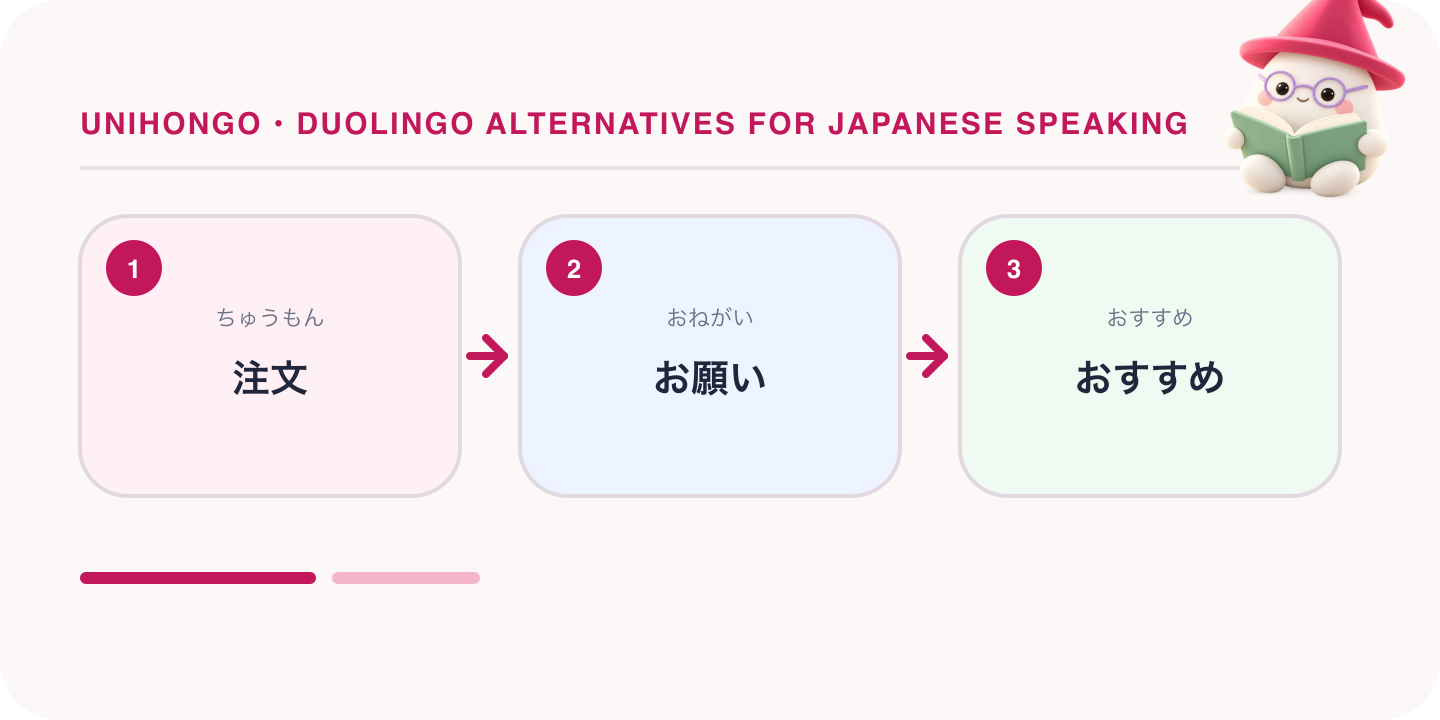
Course lessons often ask you to build a sentence from given words. Conversation asks you to produce the sentence yourself and then react to the reply. Say these lines aloud in any speaking tool, at normal speed, and continue for three more turns. The last line tests whether the tool can correct you without stopping the exchange.
| Japanese | Romaji | Meaning |
|---|---|---|
| すみません、注文をお願いします。 | Sumimasen, chūmon o onegaishimasu. | Excuse me, I would like to order. |
| おすすめは何ですか。 | Osusume wa nan desu ka. | What do you recommend? |
| これを一つと、水をください。 | Kore o hitotsu to, mizu o kudasai. | One of these and some water, please. |
| すみません、もう一度言ってください。 | Sumimasen, mō ichido itte kudasai. | Sorry, please say that once more. |
| カードで払えますか。 | Kādo de haraemasu ka. | Can I pay by card? |
| 私の日本語を直してください。 | Watashi no Nihongo o naoshite kudasai. | Please correct my Japanese. |
Add or switch: how to decide
Most learners should add. A daily habit is hard to build, and if Duolingo has given you one, it is valuable; a short lesson also works as a warm-up before you speak. The question is how to use limited time.
- Add a speaking tutor if you have 5 to 10 more minutes a day and you want to hold conversations.
- Add a kanji tool if you want to read, or if you plan to take the JLPT.
- Add a human tutor if you need guidance, accountability, or preparation for an interview or a move.
- Switch your main tool if you have only 15 minutes a day and conversation is your goal. Spend most of those minutes speaking.
- Do not add everything at once. Add one tool, use it for two weeks, then decide on the next.
A sample day for a learner with 25 minutes: 5 minutes of Duolingo, 10 minutes of speaking practice such as a short conversation, one roleplay mission and a few scored pronunciation lines, then 10 minutes of kanji reviews. Once a week, replace the kanji time with a human lesson or a review of your saved corrections.
Where Unihongo is not the right choice
Unihongo is a speaking tutor and one option in this list, not the answer to every goal. Its free conversation time is 3 minutes a day, which does not suit learners who want long sessions. It is not a structured reading or kanji course, so it does not replace Kanshudo or WaniKani, and it does not replace JLPT reading practice or a human teacher's cultural judgement. It runs in the browser, its Android app is in early access and its iOS app is pending. If you want an app from an app store today, Pingo AI's site links to the App Store and Google Play.
Where Unihongo fits is spoken practice: a voice conversation in a 3D classroom, roleplay missions with a clear goal, scored pronunciation lines, and a report after each session. Its Game Arcade and Kana Dash are free without an account, so you can try them beside your current course before deciding.