

The short answer: the setup matters more than the assistant
For most study tasks, ChatGPT, Gemini and Claude are close. Each can explain the difference between wa and ga, rewrite a sentence in polite form, and create a reading passage at your level.
The larger difference is between a general assistant and a tool built only for teaching Japanese. A general assistant serves every kind of task, so it waits for your instructions: your level, whether corrections come immediately or at the end, and how your repeated errors are recorded. A dedicated tutor makes those decisions in advance. This guide shows how to close that gap with prompts, and where a dedicated tutor is simpler.
A note on the source: this article is published by Unihongo, an AI Japanese tutor built for speaking practice. ChatGPT, Gemini and Claude are described in general terms, with a few details from the Google and Anthropic help pages as of September 2026. These products change quickly, so check the official pages before you decide.
What general assistants are useful for in Japanese study
General assistants are most useful where a learner needs an explanation made for one specific question.
- Grammar explanations: ask why a particle was used, and ask again in simpler words if the first answer was too hard.
- Writing correction: paste a diary entry or an email and ask for corrections with a reason for each change.
- Register: ask for the same sentence in casual, polite and honorific Japanese, with a note on when each one fits.
- Custom material: request a short dialogue that uses only JLPT N5 vocabulary, or a passage on a topic you choose.
- Quizzes: ask for ten fill-in-the-blank questions on one grammar point, checked one at a time.
A dedicated speaking tutor does not replace these uses. Many learners keep a general assistant for questions and use a speaking tutor for practice.
ChatGPT, Gemini and Claude: voice conversation and saved instructions
All three are general assistants: each converses in Japanese by text, offers voice conversation, and follows instructions you write. The table adds details from the Google and Anthropic help pages. Plans, devices and limits differ, so the last column says what to check.
| Assistant | Spoken conversation | Giving it your tutor instructions | Check on the official site |
|---|---|---|---|
| ChatGPT (OpenAI) | Offers voice conversation. You can ask it to speak Japanese with you. | Write your instructions at the start of a conversation. See the OpenAI site for ways to save them. | How voice conversation works on your plan and device |
| Gemini (Google) | Google describes Gemini Live as a natural, free-flowing conversation, and its help page states that you can interrupt it by talking and review the transcript after you end the chat. | Google's help page states that you can create and save Gems to customize responses. | Which devices and languages Gemini Live supports in your region, and where Gems can be used |
| Claude (Anthropic) | Anthropic describes voice mode as a beta feature available to all plans, with transcripts saved in your chat history and support for languages other than English in beta. | Write your instructions at the start of a conversation. See the Anthropic site for ways to save them. | The current list of voice languages and how to set your voice language |
A voice conversation is useful practice for speaking and listening: you produce sentences at normal speed and you have to understand the reply. If pronunciation is your goal, add a tool that scores it.
What you must set up yourself with a general assistant
A general assistant will teach the way you ask it to teach. Before you start, decide these six things and write them into your instructions.
- Your level: name a JLPT level or describe what you can do, and ask it to stay at that level.
- The language of explanations: Japanese for the conversation, your own language for corrections, or Japanese only.
- The correction rule: correct every error immediately, or collect the errors and show them at the end.
- The roleplay: who the assistant plays, where the scene happens, what your goal is, and that it must stay in character.
- The script: kanji with furigana in brackets, kana only, or romaji beside each line.
- The record of errors: a summary at the end of every session that you copy into your own notes, because a new chat may not hold the earlier ones.
Copy-ready prompts that make an assistant behave like a tutor
Copy these prompts and change the words in square brackets. They are written in plain language, so you can use them in ChatGPT, Gemini or Claude. For voice practice, give the rules at the start. Use the first once, and the others when you need them.
- Tutor setup: "You are my Japanese tutor. My level is [JLPT N5]. Speak only Japanese at my level, in sentences of fewer than 15 words. Ask one question at a time and wait for my answer. Do not change to English unless I write HELP."
- Correction rule: "When I make a mistake, first answer me naturally so the conversation continues. Then show my sentence, the corrected sentence, and one line in English that explains the reason. If my sentence was correct, say that it was correct."
- Roleplay: "Play a clerk at a convenience store in Tokyo. I am a customer who wants to [pay a bill and buy a hot coffee]. Stay in character until I say END. Use the polite language a real clerk uses, and add furigana in brackets after each kanji."
- Grammar drill: "Test me on [the te-form]. Give me one verb at a time in dictionary form. Wait for my answer, tell me if it is right, and repeat the verbs I get wrong at the end."
- Session report: "END. Now write a report in English: my five most important errors with corrections, three new words I should review, and one thing I did well. Format it as a list I can copy."
- Next session: "Here is the error list from my last session: [paste the list]. Start a new conversation about [my weekend] and create chances for me to use the corrected forms."
Keep the reports in one document, and paste the latest one into each new session.
Japanese sentences to test any AI tutor
Use the same sentences in every tool you compare, so that you judge the tools and not the topic. The fifth sentence contains a common learner error, the particle ni where de is needed. Check whether the tool notices it and explains it.
| Japanese | Romaji | Meaning |
|---|---|---|
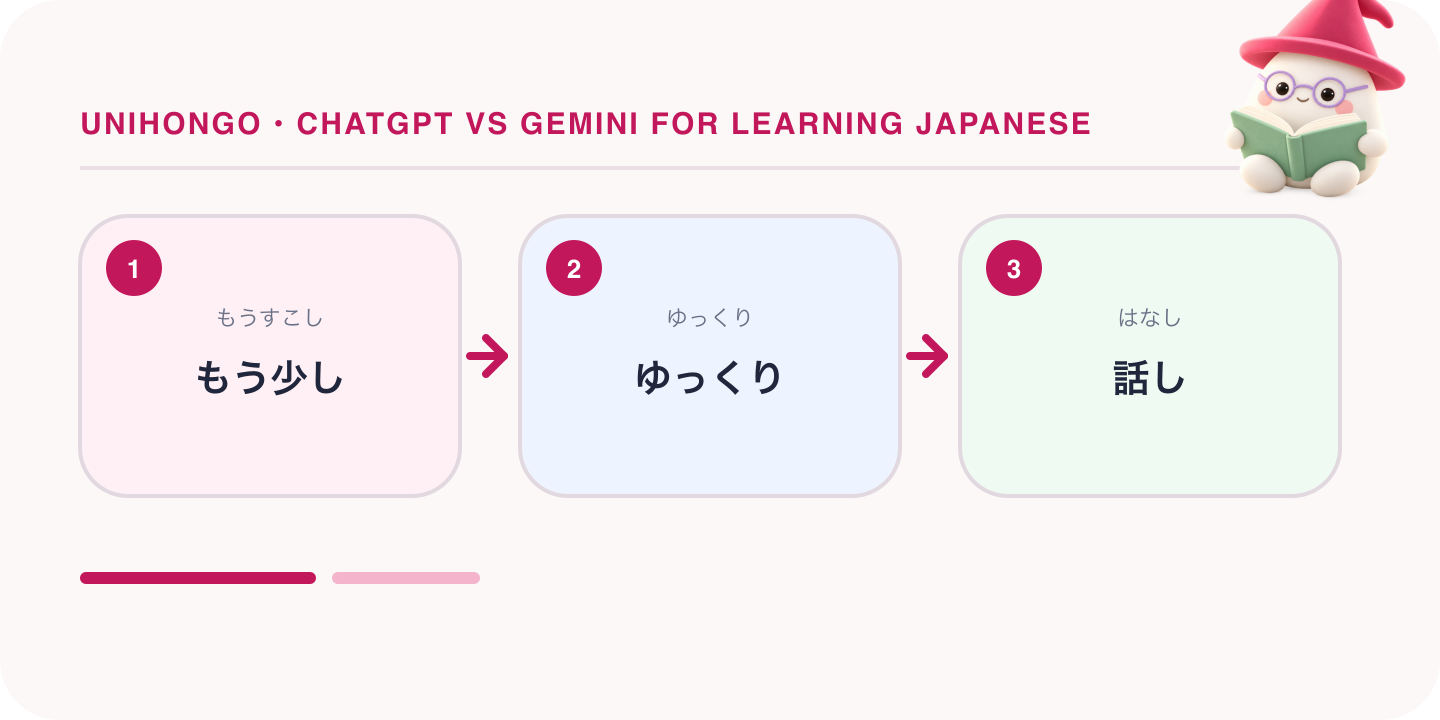
| もう少しゆっくり話してください。 | Mō sukoshi yukkuri hanashite kudasai. | Please speak a little more slowly. |
| もっと簡単な日本語で言ってください。 | Motto kantan na Nihongo de itte kudasai. | Please say it in simpler Japanese. |
| 間違いがあったら、直してください。 | Machigai ga attara, naoshite kudasai. | If there are mistakes, please correct them. |
| この文は自然ですか。 | Kono bun wa shizen desu ka. | Is this sentence natural? |
| 昨日、図書館に勉強しました。 | Kinō, toshokan ni benkyō shimashita. | Yesterday I studied at the library. (test sentence: the correct particle is de) |
| 丁寧な言い方を教えてください。 | Teinei na iikata o oshiete kudasai. | Please teach me the polite way to say it. |
General assistant vs dedicated AI tutor vs Unihongo
The middle column describes dedicated AI tutors as a category, and products in it differ, so read each product's own site. The last column describes Unihongo.
| Task | General assistant (ChatGPT, Gemini, Claude) | Dedicated AI tutor (category) | Unihongo |
|---|---|---|---|
| Setup before practice | You write the level, rules and scenario | Usually chosen from a menu | Choose a topic or mission and one of 8 teacher personalities |
| Grammar explanations | Detailed, with follow-up questions in your own words | Usually short and tied to your mistakes | Corrections in the session report; not a grammar course |
| Spoken conversation | Voice conversation is offered; availability depends on plan, device and language | Usually the main feature, as a chat or voice call | Voice conversation with an AI Sensei in an immersive 3D classroom, with 90 conversation topics |
| Roleplay | Any role, if you write the instructions | Often ready-made scenarios | Roleplay missions graded by level, such as cafes, convenience stores and hotels |
| Pronunciation feedback | You can ask for comments on what you said; see their sites | Varies by product | Pronunciation practice with line-by-line scoring and coaching |
| Record of errors | You request a report and store it yourself | Varies by product | AI session report after each conversation, a Review history, and saved words to review as flashcards with spaced repetition |
| Reading, kanji and other subjects | Flexible: any text, any subject | Depends on the product | A kanji library of 2,136 joyo kanji and free learning games; not a reading course |
Unihongo is free to use with a free account. The free plan includes 3 minutes of live conversation with the AI Sensei a day, 2 roleplay missions a day, 5 scored pronunciation lines a day and 2 AI session reports a day, and it keeps the 10 most recent sessions in Review. Three minutes is short: it suits a short daily speaking habit, not hour-long sessions. The learning games, Kana Dash and the kanji library are free and need no account. Unihongo runs in the browser; an Android app is in early access and an iOS app is pending. Current plans and pricing for the assistants are on the OpenAI, Google and Anthropic sites.
Where a general assistant is the better choice
Choose a general assistant when your main work is reading, writing or understanding. For the JLPT, which tests reading and listening, it can explain a grammar point from your textbook and create practice questions. For work emails in Japanese, it can correct them and explain the honorific forms.
Unihongo is not the right tool for those jobs: it is a speaking tutor, not a structured reading course or a kanji course, and it does not replace JLPT reading practice. No AI tool replaces a human teacher's judgement about culture and about what is appropriate with a specific person.
How to choose, and a routine that uses both
If you mostly want explanations and like to design your own study, use the assistant you already have with the prompts above. If you want to speak every day without preparing a prompt, and you want your pronunciation scored and your corrections kept in a report, use a dedicated speaking tutor. For long spoken sessions, use an assistant's voice conversation or a human teacher. Use both if you can, because they do different jobs.
- Daily, a few minutes: a short spoken conversation or one roleplay mission in a speaking tutor.
- After each session: read the report and choose two corrections you do not fully understand.
- Twice a week: paste those corrections into an assistant and ask for an explanation and five example sentences.
- Once a week: ask for a short quiz on the week's corrections.
- Once a month: show a human teacher the corrections you still doubt.
Each tool then gets the task it is built for.