

Unihongo in one paragraph
Unihongo is an AI Japanese tutor at unihongo.com. It is built for one skill, speaking, and it teaches one language, Japanese. The learner talks by voice with an AI teacher, called the AI Sensei, inside an immersive 3D classroom. Around that core are roleplay missions, pronunciation practice, session reports, free learning games and a kanji library. The website and blog are available in 32 languages, so learners can read instructions and articles in their own language while they practise Japanese.
This article is published by Unihongo. It aims to be a factual reference for people who search for the name and want to know what the product does before they create an account. It states the limits of the product as clearly as the features.
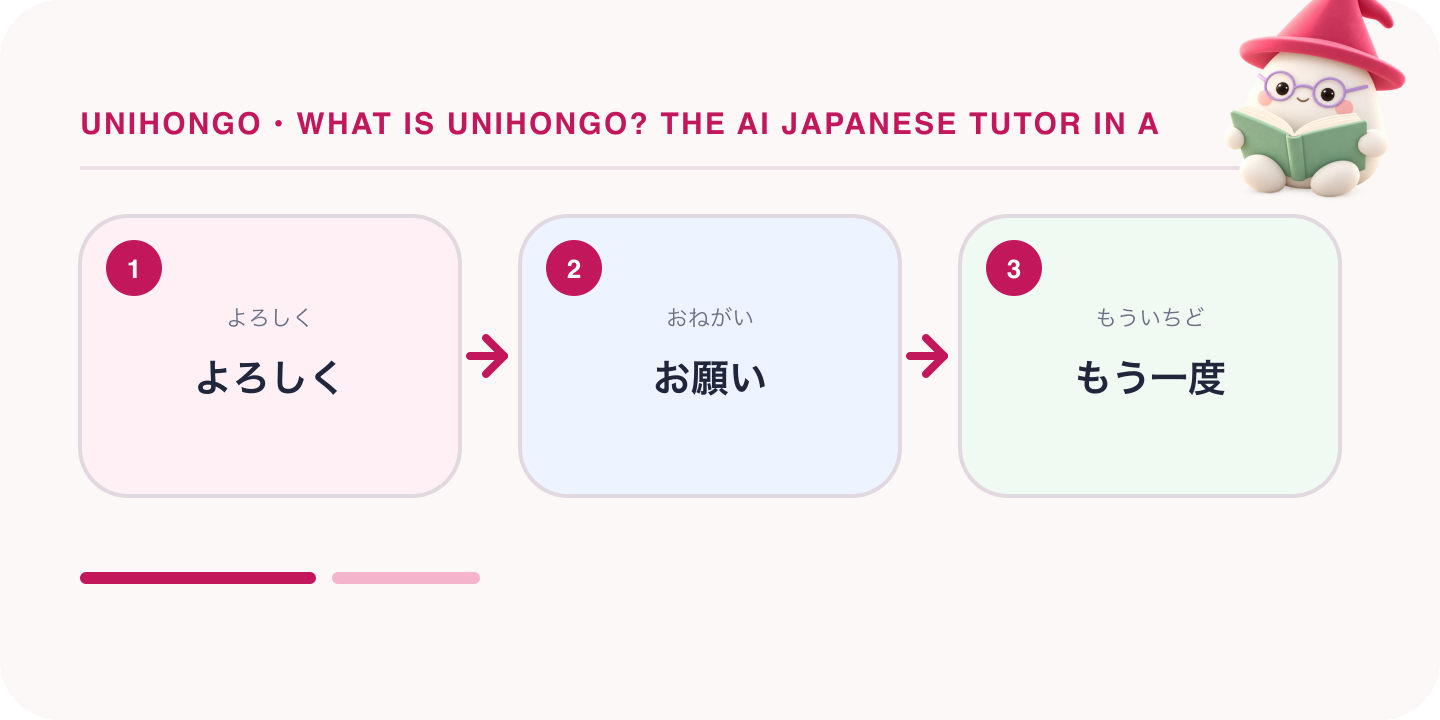
How a Unihongo session works
A session follows a simple order. Each step is described in more detail in the sections below.
- Open Unihongo in the browser and enter the 3D classroom.
- Choose one of 8 teacher personalities, for example gentle, strict, funny or relaxed.
- Choose a conversation topic or a roleplay mission that matches your level.
- Speak aloud. The AI Sensei listens and replies by voice, and the conversation continues turn by turn.
- End the session and read the AI session report, which lists corrections. The free plan includes 2 reports a day.
- Return to past sessions later through Review, which keeps your 10 most recent sessions.
A free account includes 3 minutes of live conversation a day. That is short, and it suits a brief daily speaking habit, not hour-long sessions. A short session is still useful if you prepare one situation before you start and review the report afterwards.
The 3D classroom and the AI Sensei
Many AI tutors present the lesson as a chat window or a voice call. Unihongo presents it as a classroom. The teacher is a character in a 3D room, and you answer aloud as you would in a lesson. This is the most visible difference between Unihongo and chat or voice-call tutors. For some learners the setting makes practice feel closer to a real class, which helps them treat the session as study time.
The AI Sensei has 8 personalities. A gentle teacher suits learners who are nervous about mistakes. A strict teacher suits learners who want firm correction. The choice changes the manner of the teacher, not the language being taught. There are 90 conversation topics across daily life, travel, work, culture and creative challenges, so you can return each day without repeating the same conversation.
Roleplay missions graded by level
A roleplay mission is a conversation with a goal. The settings include cafes, convenience stores, hotels, clinics, job interviews and workplace calls. The AI plays the clerk, the doctor or the interviewer and stays in character, so you must complete the task in Japanese: order, ask, explain or answer. Missions are graded by level, so you can choose a task that matches what you can already say, such as ordering a drink or buying something at a convenience store.
Missions are useful before a trip or a job interview, because they let you rehearse the exact situation. The free plan includes 2 roleplay missions a day, and the free missions cover beginner and elementary situations.
Pronunciation scoring, session reports and review
Pronunciation practice works line by line. You say a line, receive a score for it and get coaching on what to change. The free plan includes 5 scored pronunciation lines a day. This kind of practice is most useful for features that learners often miss, such as long vowels and double consonants.
After a conversation, Unihongo produces an AI session report with corrections. The free plan includes 2 AI session reports a day. The report is where much of the learning happens, because it shows what you said beside a better version. Review keeps your 10 most recent sessions, so you can check whether an old mistake has disappeared. You can also save words from a session as flashcards and review them with spaced repetition. Like any AI feedback, a correction can be wrong in rare cases. If a correction surprises you, confirm it with a grammar reference or a teacher.
Free games and the kanji library
Unihongo has free learning games that can be played without an account. The Game Arcade at unihongo.com/games includes Vocabulary Dash, Kotoba Stack, Sushi Sort, Listen & Pick, Sentence Builder and Quick Flip. Kana Dash at unihongo.com/alphabet is a game for hiragana and katakana. The games are short and suit a few minutes of practice between speaking sessions.
The kanji library at unihongo.com/kanji covers all 2,136 joyo kanji, which are the characters designated for general use in Japan. It is a reference you can browse and search. It is not a spaced repetition course, so learners who want a planned kanji programme should use a dedicated kanji tool beside it.
What the free plan includes each day
Unihongo is free to use with a free account. The table lists what the free plan includes each day.
| Feature | Free plan allowance | Account needed |
|---|---|---|
| Live conversation with the AI Sensei | 3 minutes a day | Yes, a free account |
| Roleplay missions | 2 a day | Yes, a free account |
| Scored pronunciation lines | 5 a day | Yes, a free account |
| AI session reports | 2 a day | Yes, a free account |
| Sessions kept in Review | The 10 most recent | Yes, a free account |
| Learning games and Kana Dash | Free | No |
| Kanji library | Free | No |
Three minutes of conversation a day is short. It suits a brief daily speaking habit, not hour-long sessions. To get the most from it, decide on one situation and two or three sentences before you start, speak for the full time, then read the report. Use the roleplay missions, the pronunciation lines and the games on the same day to extend your practice. These allowances reflect the product as of September 2026, and unihongo.com is the current source.
How Unihongo differs from other types of tool
AI language tools fall into a few types. The table compares the types, not individual products, and each type has a clear use.
| Type of tool | What it looks like | Best suited to | What you add yourself |
|---|---|---|---|
| 3D classroom tutor (Unihongo) | A teacher character in a 3D room, conversation by voice | Speaking practice that feels like a lesson, roleplay for real situations | Reading, kanji study and a course plan |
| Voice-call AI tutor | A call or chat screen, often on a phone | Hands-free conversation practice anywhere, often in many languages | Reading, kanji study and a course plan |
| General chatbot | A text or voice assistant for any subject | Grammar questions, translations and explanations on request | The lesson design, level control and a record of corrections |
| Course app | Ordered lessons and exercises | A step-by-step path through vocabulary and grammar | Extended speaking practice |
A chat-style or voice-call tutor and Unihongo share the same core activity: you speak and the AI replies. The difference is the setting and the structure around it. A general assistant can also hold a Japanese conversation, but you must write the instructions for every roleplay and keep your own notes. A course app gives you order and progression, which a speaking tutor does not. Many learners combine a course app or textbook for input with a speaking tutor for output.
Who Unihongo suits, and who it does not
- It suits learners who can read some Japanese and need regular speaking practice.
- It suits travellers and job seekers who want to rehearse specific situations through roleplay missions.
- It suits learners who feel nervous speaking to people and want a private place to practise first.
- It suits less well a learner who wants a structured reading or kanji course with spaced repetition.
- It suits less well a learner whose only goal is the JLPT exam, which has no speaking section.
- It suits less well a learner who needs a fully released iPhone app today, because the iOS app is pending and the Android app is in early access.
Unihongo does not replace a human teacher. A teacher can judge culture, tone and social context in a way that software cannot. A practical arrangement is daily practice with the AI Sensei and an occasional lesson with a person who can confirm what you have learned.
Useful Japanese for your first session
These phrases help you control the lesson in Japanese. Say them aloud to the AI Sensei when you need more time or a clearer answer. Using them is speaking practice in its own right.
| Japanese | Romaji | Meaning |
|---|---|---|
| よろしくお願いします。 | Yoroshiku onegaishimasu. | I look forward to working with you. |
| もう一度お願いします。 | Mō ichido onegaishimasu. | Once more, please. |
| ゆっくり話してください。 | Yukkuri hanashite kudasai. | Please speak slowly. |
| これは日本語で何と言いますか。 | Kore wa Nihongo de nan to iimasu ka. | How do you say this in Japanese? |
| 発音を直してください。 | Hatsuon o naoshite kudasai. | Please correct my pronunciation. |
| ありがとうございました。 | Arigatō gozaimashita. | Thank you very much. |
Begin each session with yoroshiku onegaishimasu and end with arigatō gozaimashita. These are the same phrases a student uses with a teacher in Japan.