

Verify identity before diagnosing missing progress
A familiar app icon does not prove that the intended account is active. Check sign-in details when you move between a personal phone, work computer, or shared household device. If a goal or plan looks unfamiliar, an account mismatch is a more useful first question than whether the installation itself changed your learning history.
Avoid entering sensitive personal information into a shared machine merely to make a lesson more personalized. Give only the learning context you need, and follow your normal sign-out practice. Convenience should make study easier while keeping it clear which learner profile is being used.
Divide the work according to the moment
Use the device as a practical constraint rather than a rule about what learning must look like. A brief phone visit can check recognition; a later desktop visit can require production using the same vocabulary. The second activity should build on a learning point rather than simply repeat clicks.
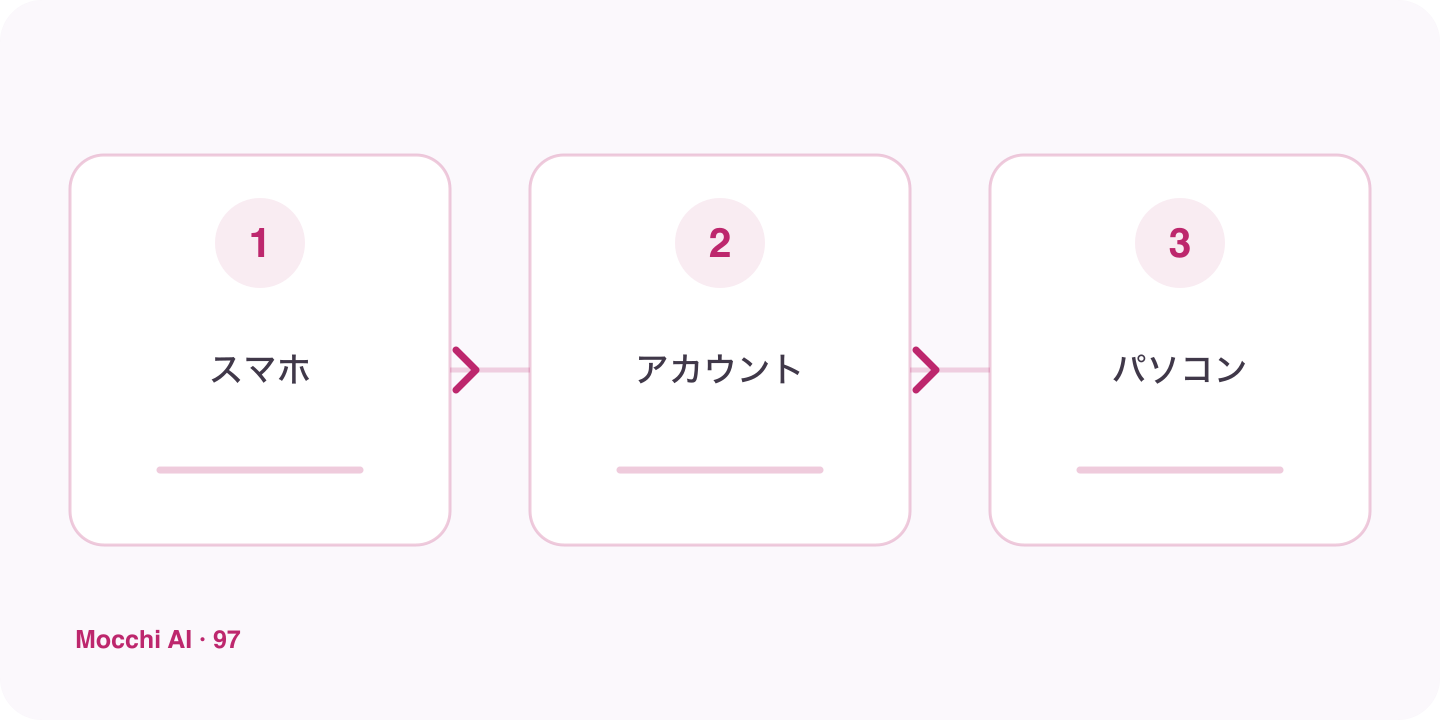
| Visit | Suitable follow-up |
|---|---|
| Phone | Review one confusing word pair. |
| Computer | Write three sentences using the distinction. |
| Later phone return | Explain the distinction without copying the earlier answer. |
Separate submitted work from an open draft
Before changing devices, check whether you actually sent the message, saved the card, or completed the intended action. A paragraph still sitting in an input field is not the same as a submitted response. Preserve important text through a method you trust, then verify the saved result instead of assuming that every local interface state is synchronized.
Use account context without expecting perfect recall
Mocchi can use saved learner context to make support relevant, but you can still give a concise handoff: what you practiced, which correction mattered, and what you want next. This is especially useful when moving between different learning features. Ask it to check an assumption if the suggested follow-up does not match the work you remember completing.
Create convenient entries independently
If you prefer app-style access, install through the browser on each device where supported. Launch each entry once and check the account and destination. Installation changes how you open the service; it does not merge unrelated accounts or promise offline AI. A reliable transition combines a clear sign-in check, saved work, and a specific next action.