
Four words before you flip the switch
Learn these four before you change anything, because they are the ones you need to change it back. Settei is the settings app itself. Gengo o Nihongo ni suru, set the language to Japanese, is the action, and the reverse is gengo o Eigo ni suru. Tsūchi is the word on the notification settings and on every banner. Kyanseru, from the English, is the button that gets you out of a dialog you do not understand.
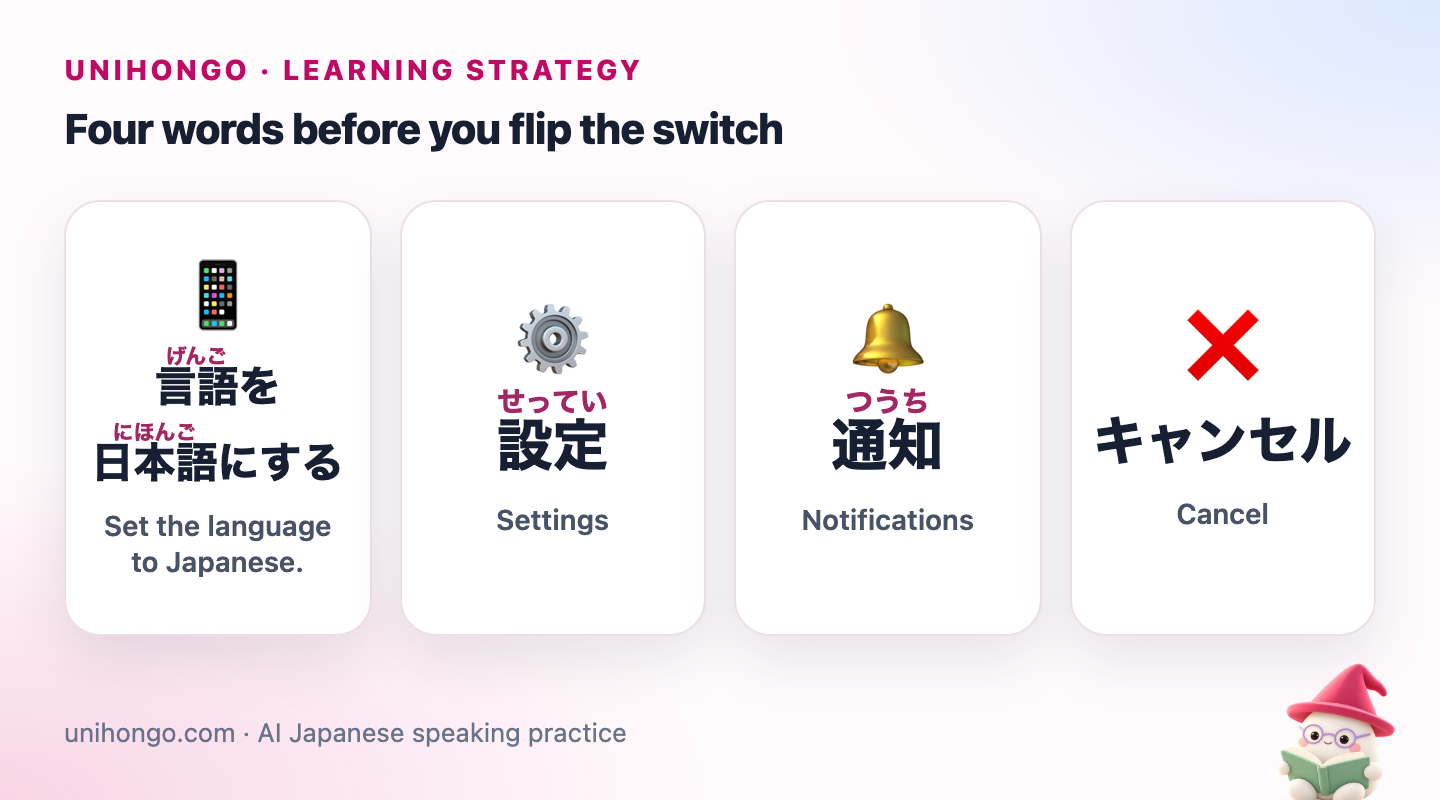
| Japanese | Romaji | Meaning |
|---|---|---|
| 言語を日本語にする | Gengo o Nihongo ni suru. | Set the language to Japanese. |
| 設定 | settei | Settings |
| 通知 | tsūchi | Notifications |
| キャンセル | kyanseru | Cancel |
What actually changes, and what does not
The switch is less total than people expect. The operating system changes everywhere: menus, settings, alerts, the names of built-in apps, the wording of every confirm dialog. Apps from other developers change only if they ship a Japanese translation, so your banking app may stay in English while your maps go Japanese. The exact behaviour depends on the phone, the version and the app, so treat the table as the usual pattern.
| Changes | Stays the same |
|---|---|
| Settings menus and system dialogs | Your keyboard layout, unless you add a Japanese one |
| Notifications and alerts, including low battery | Contact names and anything you typed yourself |
| Built-in apps: calendar, clock, maps, camera | Apps without a Japanese translation |
| Date and time formats, often to year-month-day | Your app store region and purchases |
| Voice assistant language, on some phones | Web pages, which follow the site, not the phone |
Two things to check before you switch: that you know where the language setting is, so you can find it again in Japanese (on most phones it sits under general or system settings), and that nothing important is due that day. Do not switch on the morning of a flight.
The screen words you will meet in the first hour
Phone Japanese is a small, repetitive vocabulary. Most of it is two-kanji nouns of Chinese origin (settei, tsūchi, hozon, sakujo), a few verbs in the dictionary form used as buttons (modoru, hiraku), and katakana borrowings (kyanseru, appudēto). These are the ones that appear on almost every screen, with a note on where you will see them.
| Japanese | Romaji | Meaning |
|---|---|---|
| 一般 | ippan | General (settings section) |
| 画面 | gamen | Screen, display |
| 音 | oto | Sound |
| 保存 | hozon | Save |
| 削除 | sakujo | Delete |
| 戻る | modoru | Back |
| 次へ | tsugi e | Next |
| 完了 | kanryō | Done |
| 許可 | kyoka | Allow |
| 許可しない | kyoka shinai | Don't allow |
| 検索 | kensaku | Search |
| 更新 | kōshin | Update, refresh |
| 共有 | kyōyū | Share |
| 送信 | sōshin | Send |
| 開く | hiraku | Open |
| 閉じる | tojiru | Close |
Reading the words you cannot read yet
In the first days you will meet words you cannot read, often in a dialog with two buttons and no time to look anything up. Three tricks get you through. First, position: the destructive button is usually on the same side and in the same red as it was in English, so the layout tells you what the text does not. Second, kanji parts: sakujo (delete) contains 削, to shave off, and 除, to remove; hozon (save) contains 保, to keep. Once you know a dozen such parts, half the unknown buttons become guessable. Third, the screenshot: take one, keep going, and look the word up in the evening when you have time.
If someone Japanese is nearby, the question is short. Kore, nante yomu no? is the casual version, kono kanji no yomikata wa nan desu ka the polite one.
| Japanese | Romaji | Meaning |
|---|---|---|
| これ、何て読むの? | Kore, nante yomu no? | How do you read this? (casual) |
| この漢字の読み方は何ですか。 | Kono kanji no yomikata wa nan desu ka. | What is the reading of this kanji? |
| どういう意味ですか。 | Dō iu imi desu ka. | What does it mean? |
| このボタンを押しても大丈夫ですか。 | Kono botan o oshite mo daijōbu desu ka. | Is it safe to press this button? |
A real example of the kanji-parts trick: 削除 (sakujo) and 消去 (shōkyo) both mean erase or delete and both appear on phones. You do not need to know which is which to know that both remove something, because 削, 除 and 消 all carry the meaning of taking away.
The first week, day by day
Do not switch everything and hope. Add one area of the phone each day, so that each day's new words are few and you keep the rest of the phone usable while you learn them. The plan below assumes you learned the four words at the top of this post first.
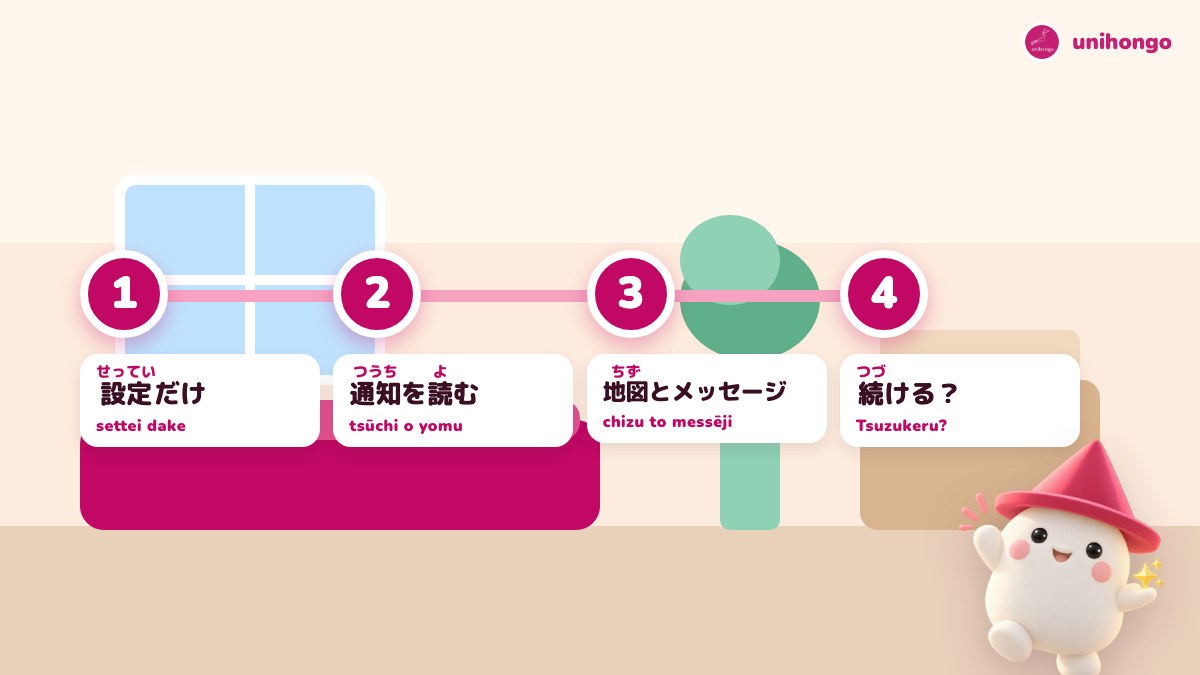
- Day 1: switch, then open only Settings. Find the language setting again in Japanese and read ippan, tsūchi, oto, gamen.
- Day 2: read every notification as it arrives. Say atarashii messēji, new message, aloud.
- Day 3: use the camera and photos. Learn hozon, sakujo, kyōyū, henshū (edit).
- Day 4: calendar and clock. Dates come as year-month-day; learn yotei (plan), arāmu, kurikaeshi (repeat).
- Day 5: maps and messages. Learn keiro (route), mokutekichi (destination), sōshin, henshin (reply).
- Day 6: one app you use for fun, switched to Japanese if it supports it.
- Day 7: decide. Keep it, keep part of it, or go back.
Notifications are free reading practice
Notifications are the best part of the switch, because they are short, they repeat, and they arrive without you deciding to study. Battery warnings, new-message banners, weather summaries and update prompts use the same sentences every day. Read each one aloud the first few times and they become automatic. The confirm dialogs that end in masu ka are questions; read the verb before you answer them.
| Japanese | Romaji | Meaning |
|---|---|---|
| 新しいメッセージがあります。 | Atarashii messēji ga arimasu. | You have a new message. |
| バッテリー残量が少なくなっています。 | Batterī zanryō ga sukunaku natte imasu. | Battery is running low. |
| アップデートが利用可能です。 | Appudēto ga riyō kanō desu. | An update is available. |
| 明日の天気:晴れ | Ashita no tenki: hare | Tomorrow's weather: sunny |
| 本当に削除しますか? | Hontō ni sakujo shimasu ka? | Really delete this? |
| ダウンロードが完了しました。 | Daunrōdo ga kanryō shimashita. | Download complete. |
Riyō kanō, available for use, is a very phone-ish phrase that also appears on vending machines and train displays. Zanryō, remaining amount, turns up on battery, data and even gift-card balances. Phone words leak into the rest of life in Japan more than you would expect.
The keyboard: add it too, or not yet
Changing the display language does not add a Japanese keyboard, and you do not have to add one in the same week. Reading the phone and typing in Japanese are separate skills; if you add both at once you double the friction. A reasonable order is to switch the display first, get through the seven days, and add the keyboard in week two if you want it. When you do, you will find the keyboard settings under settei and ippan, which you can now read.
| Japanese | Romaji | Meaning |
|---|---|---|
| キーボードを追加する | Kībōdo o tsuika suru. | Add a keyboard. |
| 日本語ローマ字入力 | Nihongo rōmaji nyūryoku | Japanese romaji input |
| 日本語かな入力 | Nihongo kana nyūryoku | Japanese kana (flick) input |
When to switch back, and the mistakes that force it
Switch back if the phone stops being a phone: you miss a message because you could not read the banner, you cannot find a setting you need in a hurry, or you simply stop using apps you need. None of that is failure. A common middle path is English for the system and Japanese for one or two apps, such as the map and the weather, which is still a few dozen words a day.
| Japanese | Romaji | Meaning |
|---|---|---|
| 英語に戻します。 | Eigo ni modoshimasu. | I'll switch it back to English. |
| 地図だけ日本語にしています。 | Chizu dake Nihongo ni shite imasu. | I keep only the map in Japanese. |
- Changing the region instead of the language. The region setting affects your app store and may be hard to undo; the language setting is the one you want.
- Pressing the red button to make a dialog go away. Red is usually delete; kyanseru is usually the grey one.
- Switching the phone, the keyboard and the apps on the same day. One change at a time.
- Guessing a dialog by its first word. Read the verb at the end: shimasu ka asks, shinai refuses.
- Feeling that switching back means giving up. Keep one app in Japanese and the practice continues.
The buttons you screenshot, explained
By day three you will have a folder of screenshots of buttons you could not read. Send the words to Mocchi, Unihongo's study assistant, with /kanji 削 or /kanji 設, and it breaks each character into its parts and meaning, which is what makes a two-kanji button memorable instead of a shape. Then /create-flashcards with the screenshot as the picture gives you a deck of your own phone's screens, which /review-flashcards brings back on a spaced schedule.
The same cards work in Flashcard Flip when you want something faster than a review. You will need a free account, and unihongo.com/login is one of the pages that reads fine in either language.